TuboTools 3D piping configurator

Design polypropylene water supply and heating systems right in your browser — no NanoCAD, SketchUp, or installation required. Assemble a layout from standard fittings, drag pipes, and get a bill of materials instantly.

Free, no installation. Demo without registration.

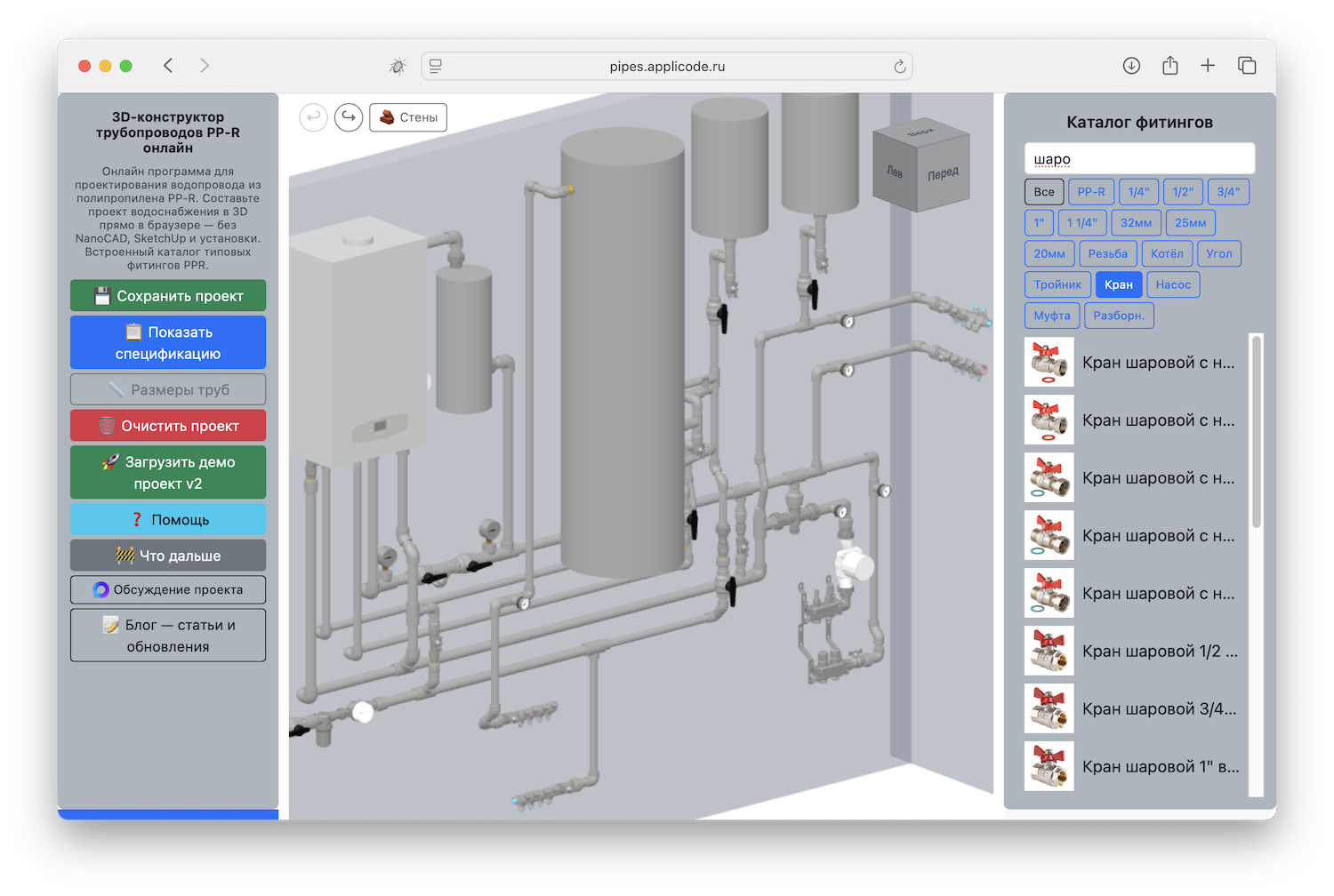
Water supply project in the PP-R 3D pipe routing designer
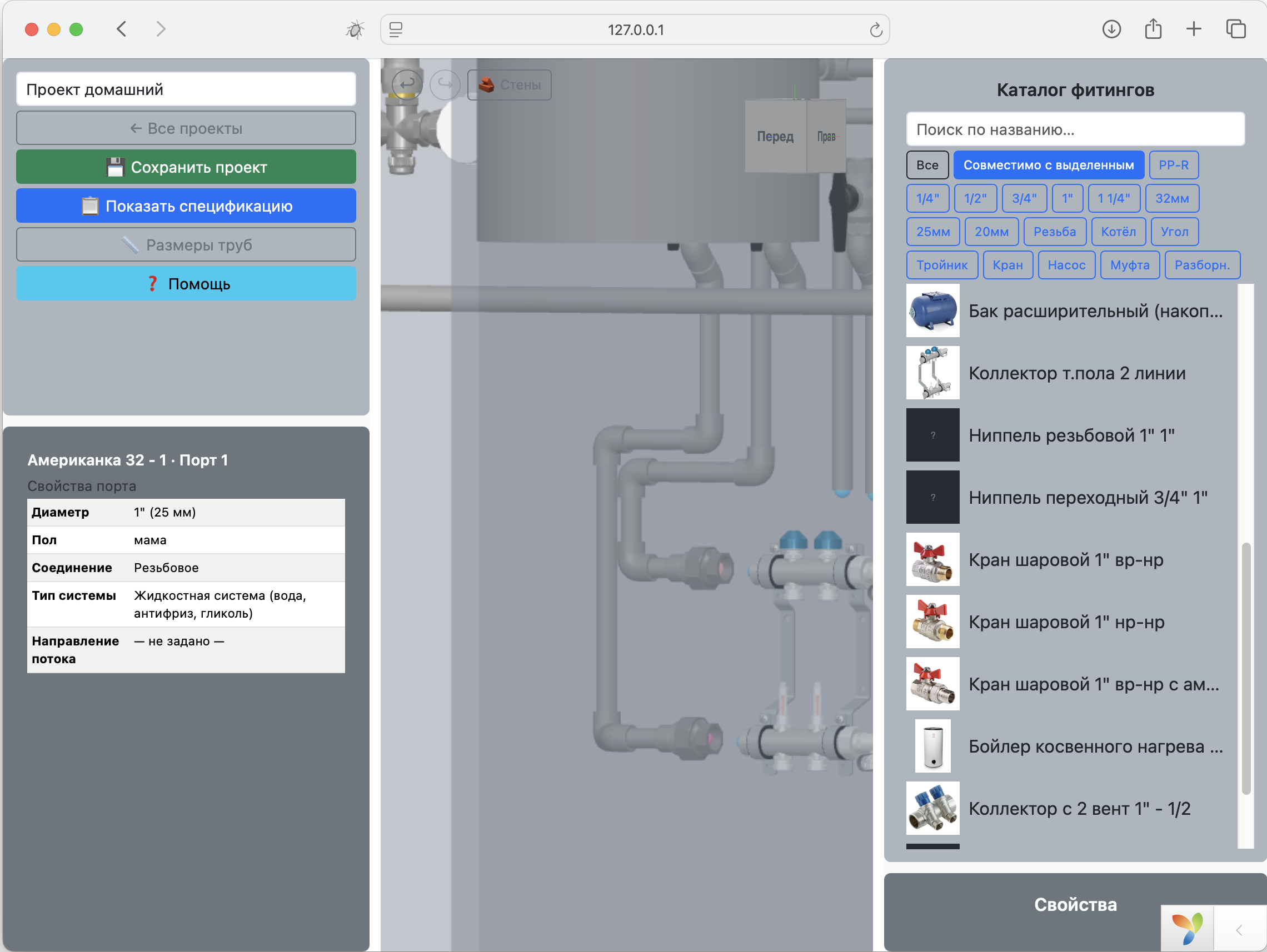
Tools and navigation on the left, the 3D scene in the center, the fitting catalog on the right

How It Works

You can actually assemble your first project in a single evening — everything is done with the mouse right on the scene.

1

Open the Editor

Works in the browser on Windows, macOS, and Linux — nothing to download or install.

2

Drag a Fitting

Grab a part from the catalog and drag it onto the scene — snapping kicks in at the matching port.

3

Assemble the Layout

Connect fittings port to port, and pull pipes straight out of the ports. Angles are set with the mouse wheel.

4

Check and Print

Bill of materials, pipe dimensions, printing, and project saving — all in one click.

Features

The core functionality already works — you can start designing today.

📦

PP-R Fitting Catalog

Elbows, tees, couplings, reducers, manifolds, and boilers. Search by name and filter by tags — with the ability to exclude a tag.

🧲

Port and Wall Snapping

Fittings "stick" to free ports on their own and rotate the right way at a wall. Alt/Cmd temporarily disables snapping.

🔄

Rotation and Positioning

Rotate a part with the mouse wheel around the snap axis. The navigation cube, flat views, and wall distances help you align everything to your measurements.

🧱

Wall Editor

Create walls, set length, angle, and thickness — fittings and pipes snap to the actual surfaces of the room.

↩️

Undo/Redo and Groups

Undo and redo actions, copy and paste, box-select or Shift+click, and move groups of objects with snapping.

📋

Bill of Materials and Dimensions

Automatic material calculation with quantities and diameters, pipe length display, CSV export, and project printing.

💾

Projects and Users

Guest mode with browser-based saving, a personal account on the server, and public links for viewing assemblies.

Go to your account →

Fast Model Loading

Catalog models are optimized: mesh merging, stripping of the unnecessary, and geometry quantization — the scene runs fast on any hardware.

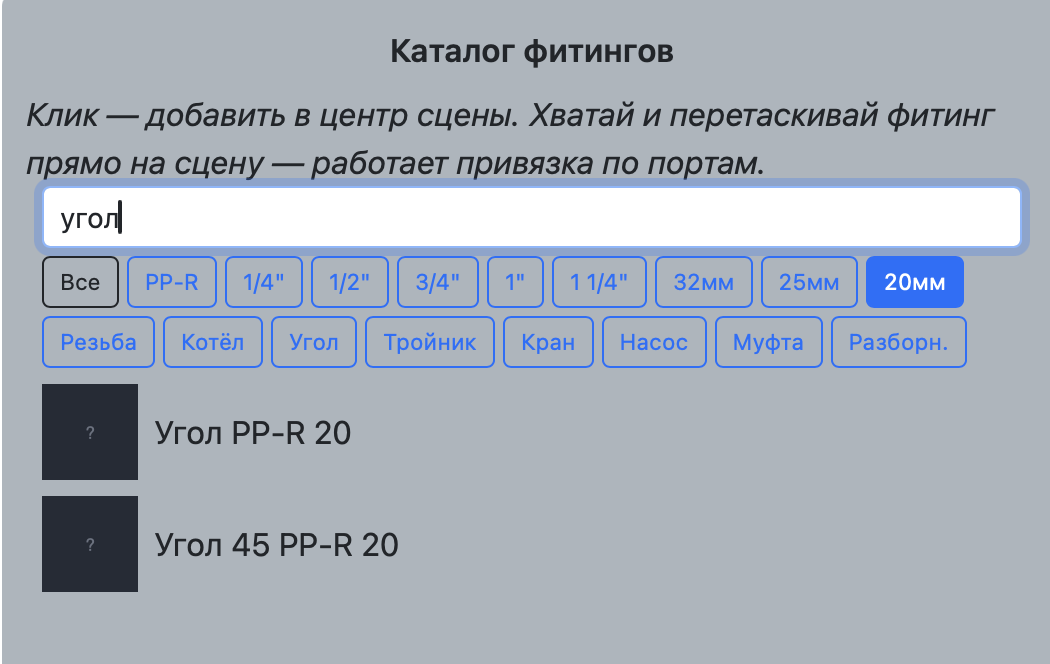
Fitting catalog with search and tag filters
Search by name and tag filtering in the catalog
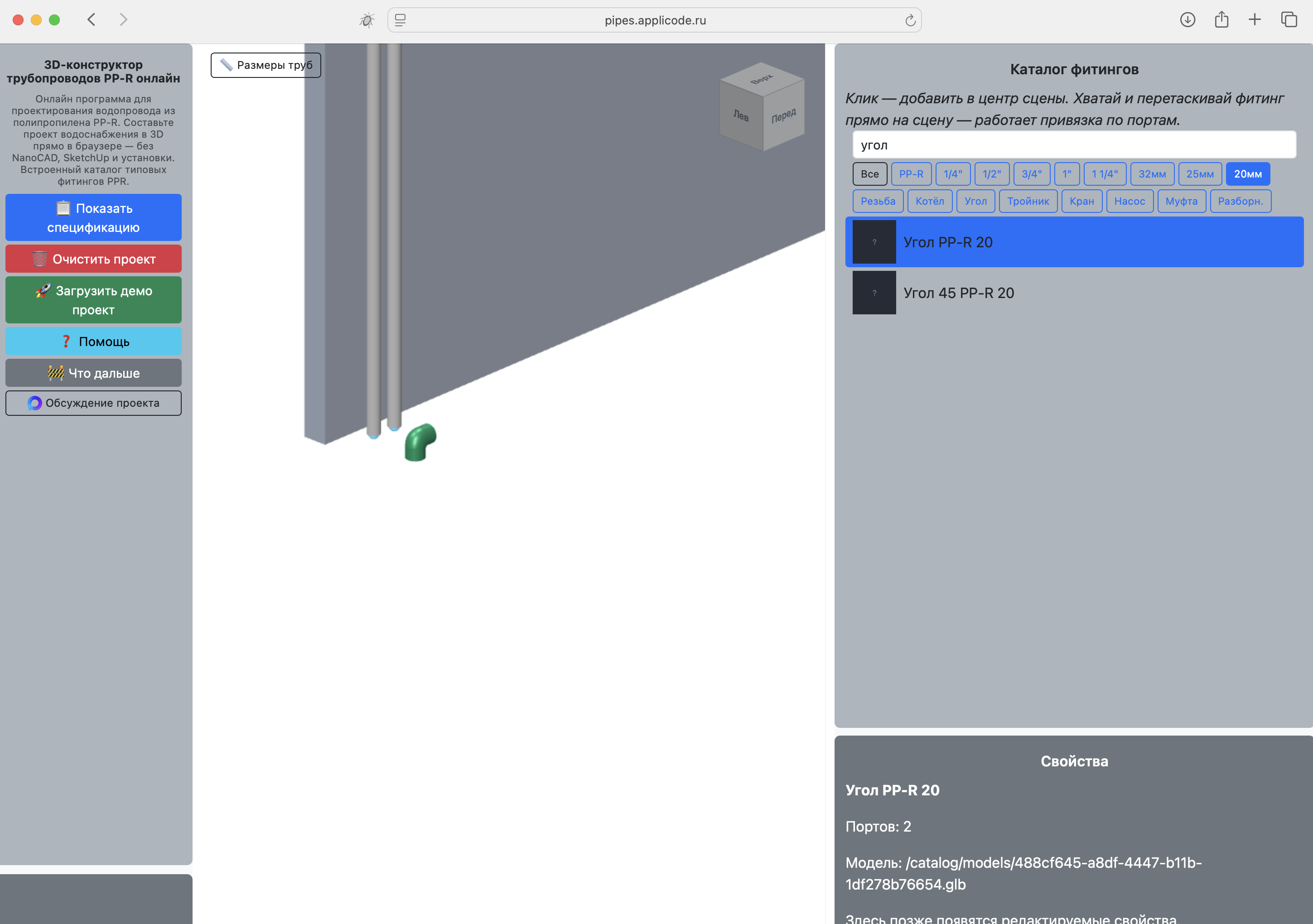
Dragging a fitting from the catalog onto the scene
A fitting is dragged from the catalog straight onto the scene
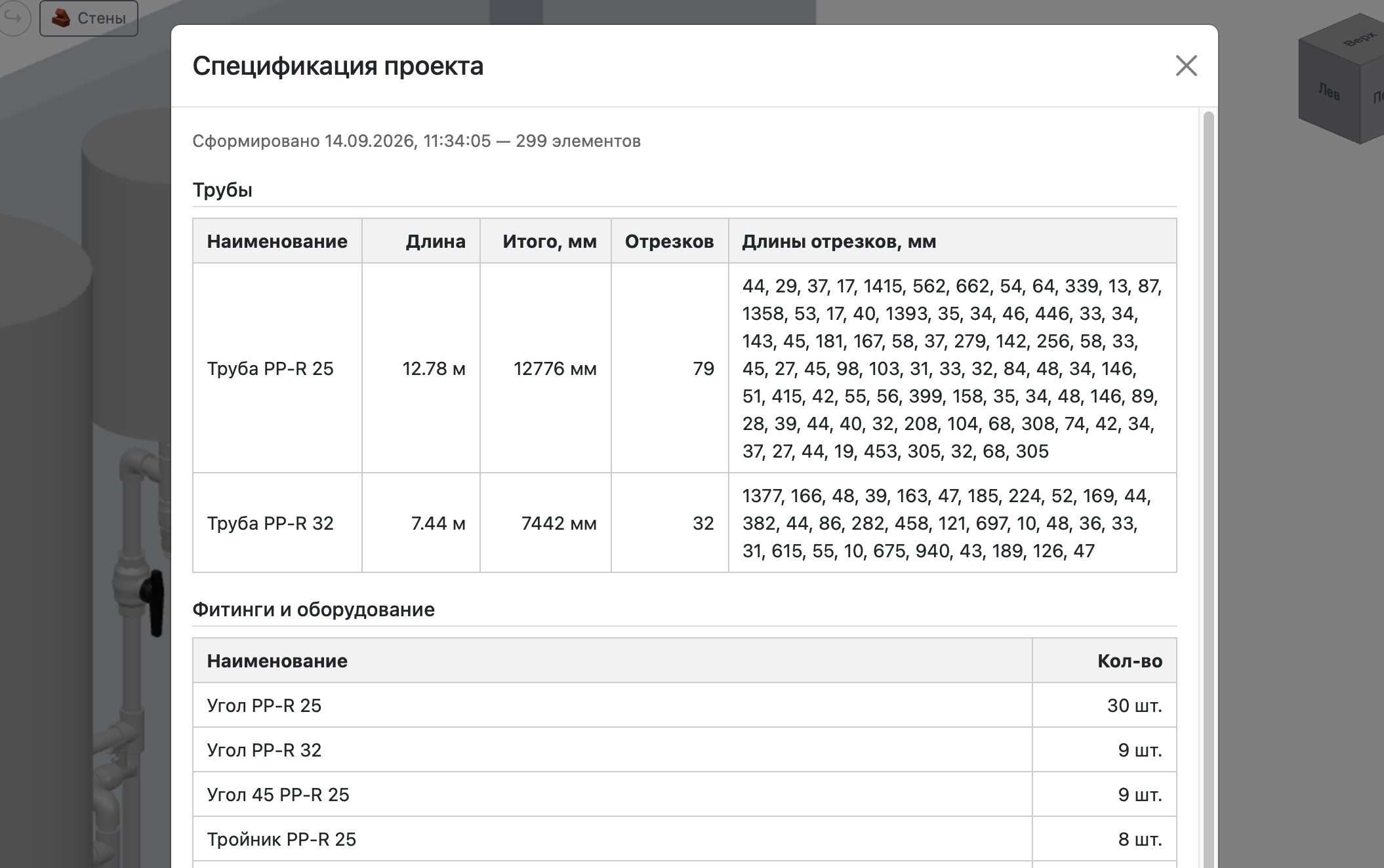
Bill of materials for a water supply project
Bill of materials for your project

Mouse and Keyboard Controls

A few techniques and you'll be working fast. Hotkeys work on both Windows and macOS (use ⌘ instead of Ctrl).

🖱️ Navigation

  • Rotate the scene — left mouse button
  • Pan the scene — right mouse button
  • Zoom — mouse wheel
  • Navigation cube — click a face for a precise view
  • Flat view — movement happens in a plane, and distances to walls are displayed

🔧 Editing

  • Click / Shift+click / box — select one or several objects
  • Drag a fitting/group — with port and wall snapping
  • RMB while moving — copy mode
  • Mouse wheel on a snap — rotate around the port axis
  • Alt / Cmd — temporarily disable snapping
  • Ctrl+C / Ctrl+V — copy and paste
  • Ctrl+Z / Ctrl+Y — undo and redo
  • Delete / Backspace — delete the selection
  • Ctrl+S — save, Ctrl+P — print the project

📦 Catalog and Pipes

  • Search by name — filters the list
  • Click a tag — filter; click again — exclude the tag
  • Drag onto the scene — the fitting follows the cursor
  • Drag a pipe port — change the length
  • Drag a fitting port — create a new pipe

What's Next

The designer is actively evolving: first came convenient snapping and editor tools, then project saving and user management. Ahead are on-scene dimensions, uploading your own 3D models, and engineering checks. Have an idea or a request — join the discussion.

🟢 Already Done

  • Restoring fitting rotation after leaving a snap
  • Fitting selection
  • copy/paste
  • Catalog connection
  • Navigation cube
  • Snapping to ports that are NOT occupied
  • Project saving/restoring
  • Tag filter + tag exclusion
  • Undo/Redo: MoveCommand, deletion, movement, pipe port movement
  • Dragging a pipe by its port — length/position/direction
  • Pulling a pipe out of a fitting port
  • Rotating a fitting with the wheel around a snapped port
  • Free rotation of a fitting around its center by clicking the wheel
  • Bill of materials generation
  • Fitting positioning mechanism
  • Selecting and working with a group of objects (box or shift+click)
  • Wall snapping
  • Dragging a pipe by its port — with snapping
  • Wall editor
  • Moving a fitting/pipe with recalculation of connected pipes
  • Working with users and projects
  • Working with materials and fitting colors in the catalog
  • Tank fitting designer

⚪ Planned

  • Sewer pipe mechanics
  • Mobile support
  • ?Tool for users to upload a 3D model from a file
  • Adding dimensions to the scene
  • Option to fix a fitting in place
  • Parts in stock (accounting in the bill of materials and the catalog)
  • Engineering checks taking into account line purpose, requirements, and calculations
  • Recognizing a floor plan with a neural network
  • Building a project with a neural network
  • Evaluating options and finding cost reductions
  • Fitting description field

What's new

A quick look at the latest development news.

September 14, 2026

Working with Users

Completely redesigned the website structure and implemented user registration and login. Most importantly, implemented full project management in the personal account, including project sharing.

September 8, 2026

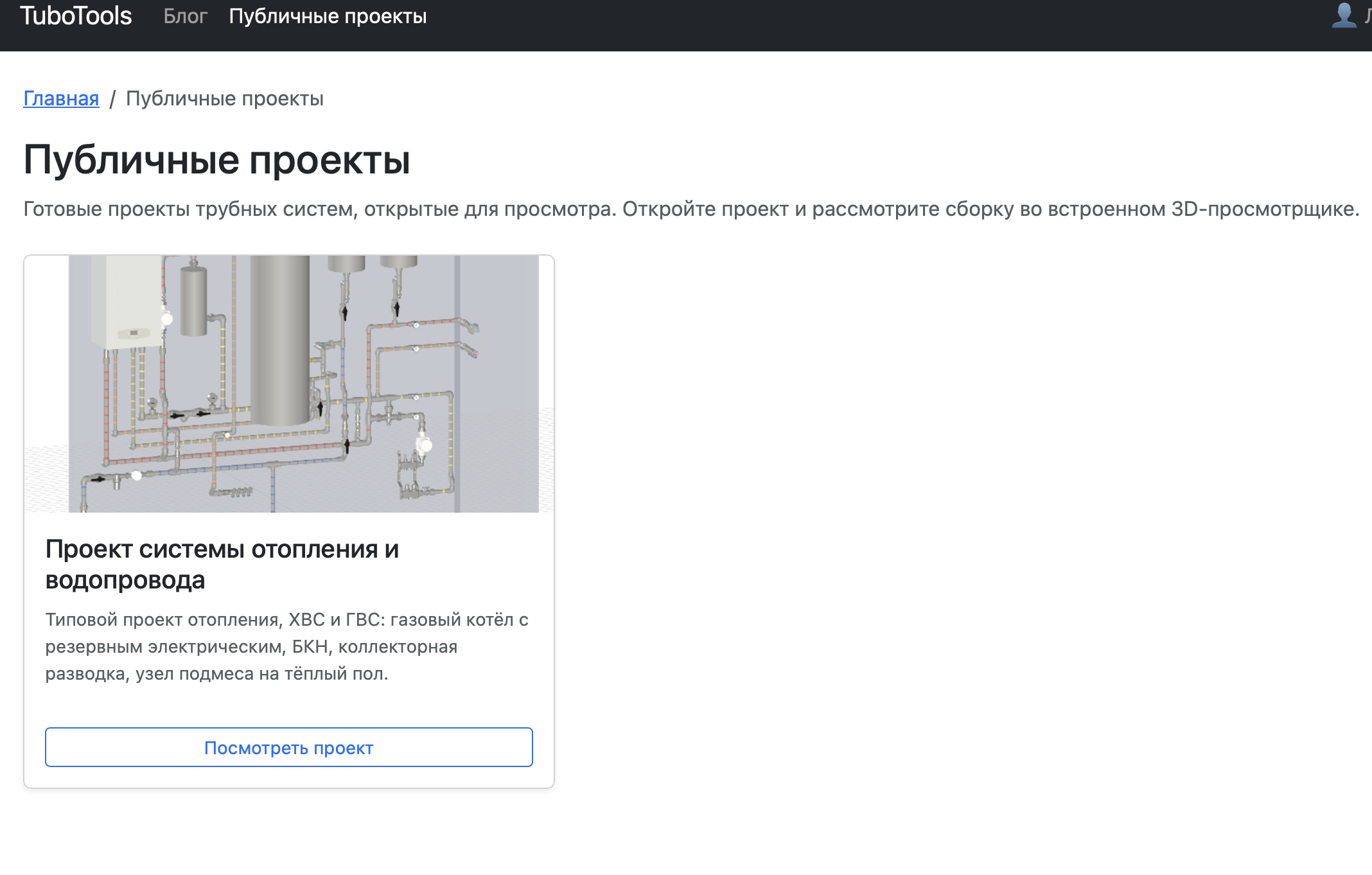
New Demo Project

Created a new demo project using an image from the Internet. Also made some minor improvements to the catalog.

August 29, 2026

Wall Editor

Implemented the wall editor. Details: to delete — merge the points; when the pointer is a red circle — create a new one. Snapping is supported, including the intersection of two snap points.

August 28, 2026

Specification Improvements

Improved the specification and added buttons for saving it.

Frequently Asked Questions

Is the designer free?

Yes. It's currently a prototype, and the core features are available for free — you can design without limits and without installation.

Do I need to download or install anything?

No. Everything works in the browser: just open the editor. All you need is an internet connection and WebGL support (available in all modern browsers).

Does the designer work on a phone?

You can view a project on a phone. For now, editing is tailored to mouse use only, so a desktop or laptop is more convenient for assembly.

How do I save a project?

Press Ctrl+S (⌘S). From the editor, the project is saved to your personal account on the server, from where you can open it on any device. In guest mode, the project is not saved.

Can I get a bill of materials?

Yes. Click "Show Bill of Materials" — the designer will count the fittings and pipes with quantities and diameters. You can export the bill of materials to CSV (Excel), save it as HTML, and print it.

I can't find the fitting I need — what should I do?

Write in the discussion chat on the main page, and I'll add the part to the catalog. It's especially quick if you send a link or a 3D model file.

Start Your Project for Free

Open the editor and sketch out your first water supply layout right now — no registration required.